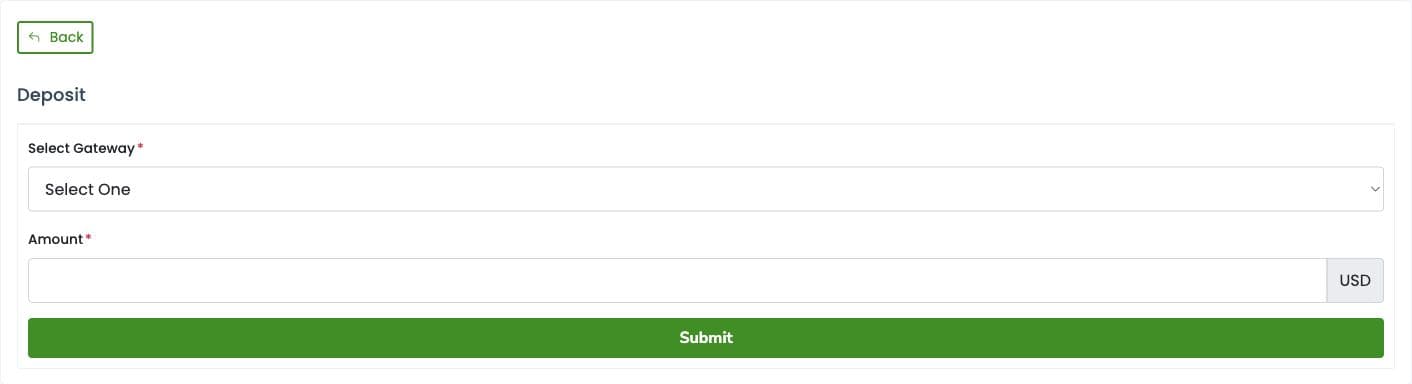
Add funds from the Deposit page before placing an order.
Add funds
Sign in to your SMM Panel account and click Deposit in the sidebar.
Choose a payment method under Select Gateway. Available options currently include PayPal (USD) and bKash / Nagad / Card (BDT).
Enter the amount in the currency shown beside the Amount field. The initial form displays USD.
Click Submit and review the payment instructions, final amount, currency and any charges shown before completing payment.
After payment, return to the panel and check your balance and Manage Deposit history.
If your funds do not appear
Check the deposit status in Manage Deposit. Keep your payment reference and receipt, then open a Support Ticket with the payment method, amount, date and reference so support can investigate. Avoid paying again until you have checked the first payment.
Payment options and processing times can vary. Follow the current instructions displayed for your selected gateway.
Deposit screen